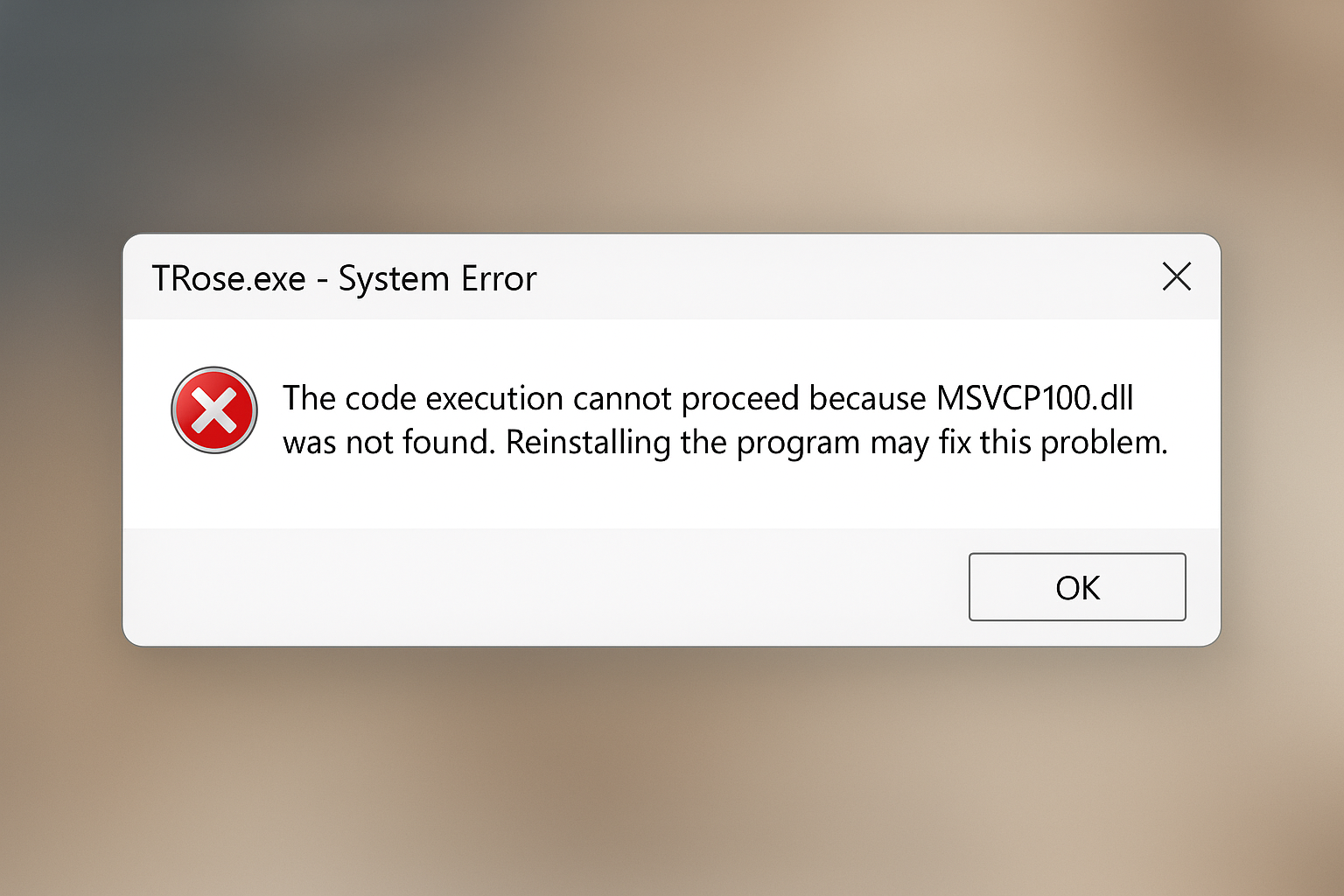
If you see a “MSVCP100.dll was not found” error when launching WISH ROSE, install the Microsoft Visual C++ 2010 Redistributable to restore the missing runtime library.
vcredist_x86.exe for 32-bit and vcredist_x64.exe for 64-bit Windows, then click Next to download..exe.Restarting ensures Windows registers the new DLL files correctly.
Tip: On 64-bit Windows you can install both x86 and x64 packages to support older 32-bit games or utilities.